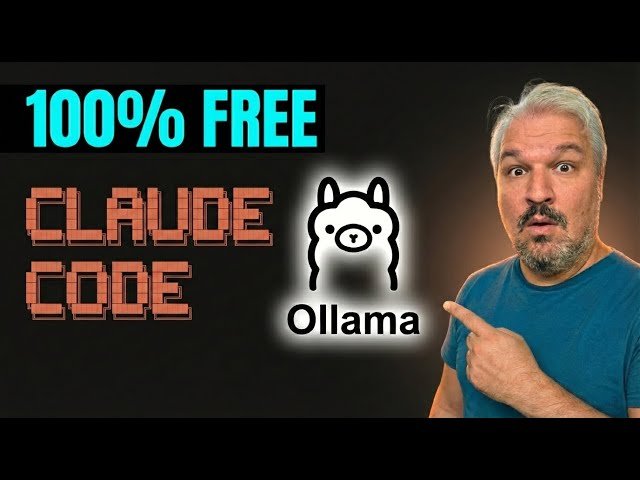
Professional description: This video shows how to run open-source language models locally using Ollama and Claude Code to build a realtime weather app. It covers installing Ollama, selecting and downloading models (GPTO-OSS, Quinn 3 coder, GLM4.7 Flash), installing Claude Code, and launching with ‘lama launch claude’ to avoid API keys. The walkthrough compares VRAM and context-window trade-offs, recommends Quinn 3 for coding on consumer hardware, and provides troubleshooting tips for CLI/model issues.
Main points:
- Installation and setup: install Ollama, download a model, then install Claude Code and launch via
lama launch claudeto skip API sign-in. - Model choices and hardware: compares GPTO-OSS, Quinn 3 coder, and GLM4.7 Flash with VRAM requirements and when to pick each.
- Context windows and behavior: explains token window sizes (GLM4.7 ~198k, Quinn 3 up to 256k, GPTO-OSS 128k) and how that affects conversation quality.
- Troubleshooting and workflow: use Ollama docs and, if needed, pass that documentation to a stronger model to debug download/CLI errors and configuration problems.
Quotes:
This is completely free — no subscriptions or API costs.
lama launch claude’ lets you run Claude Code offline without providing an API key.
Quinn 3 coder supports up to 256k tokens and is recommended for coding on consumer hardware.
Statistics
| Upload date: | 2026-01-25 |
|---|---|
| Likes: | 2816 |
| Comments: | 213 |
| Fan Rate: | 3.12% |
| Statistics updated: | 2026-02-24 |
Specification: Claude Code + Ollama = Free Forever
|