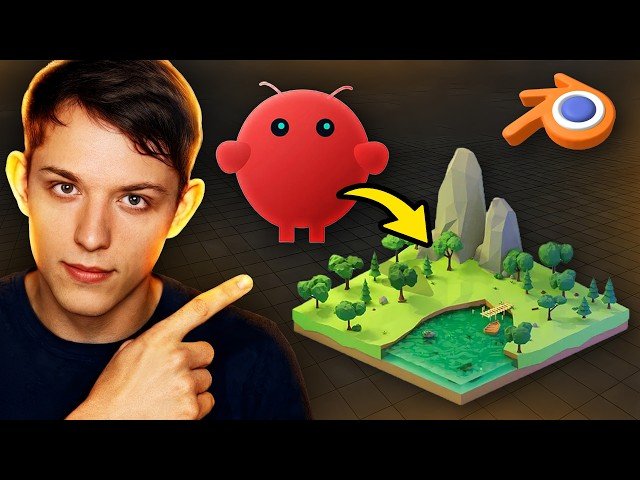
OpenClaw + Blender integration: This video demonstrates using the OpenClaw AI agent to control a local Blender instance via the Blender MCP add-on, letting a non-coder create, edit and export a 3D product and publish it online. The creator shows step-by-step setup, model edits, asset import, and automatic deployment to a live landing page.
- Install Blender and enable the Blender MCP; have the agent wrap MCP as a controllable skill.
- Use conversational prompts to generate terrain, trees, animals and import a purchased Mac Mini model.
- Recolor surfaces, add a sticker layer, export a glTF/GLB, and capture screenshots remotely.
- Auto-generate and deploy an interactive landing page (Vercel) hosting the 3D product.
Quotes:
I don’t know how to code, and I also don’t know how to use Blender.
It can message me screenshots of what we’re building.
I don’t know how to use Blender and I don’t know how to code — but OpenClaw did it for me.
Statistics
| Upload date: | 2026-02-18 |
|---|---|
| Likes: | 2880 |
| Comments: | 213 |
| Statistics updated: | 2026-03-01 |
Specification: I Gave OpenClaw Blender Skills (The Results are INSANE)
|

I Gave OpenClaw Blender Skills (The Results are INSANE)