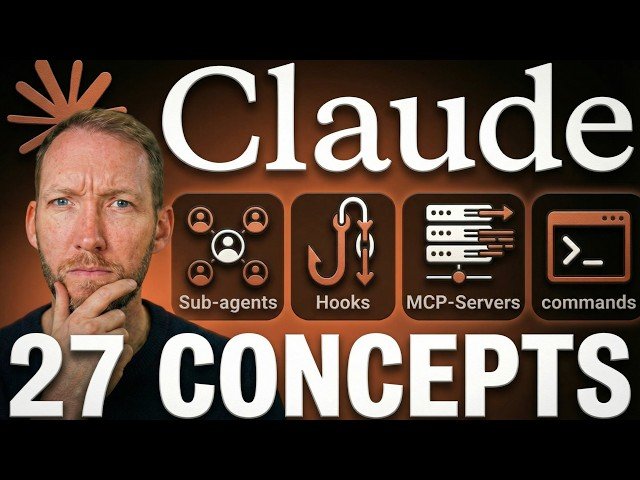
An accessible guide to Claude Code, explaining its purpose, core concepts, and practical workflows for nontechnical users. The video covers terminal usage, prompts, permissions, tools, context window, memory, token costs, models, and configuration strategies to safely automate development tasks. It emphasizes practical setup, safety defaults, and techniques to keep Claude effective in long sessions.
– Core configuration: permissions, allow/deny lists, settings.json, and launch flags to balance safety and speed.
– Built-in tools: read, write, and bash enable file operations and command execution without needing manual terminal commands.
– Memory and context: context window, compacting (/compact), claude.md, and automemory manage short- and long-term project preferences.
– Costs and models: token-based billing, /cost tracking, and choosing HiQ/Sonnet/Opus to match task complexity.
Quotes:
Chat bots give you advice; Claude Code takes actions.
The terminal is actually really simple — just another way to interact with your computer.
Permissions keep you in control: pre-approve safe actions, gatekeep the risky ones.
Statistics
| Upload date: | 2026-02-28 |
|---|---|
| Likes: | 10171 |
| Comments: | 290 |
| Fan Rate: | 16.08% |
| Statistics updated: | 2026-03-30 |
Specification: Every Claude Code Concept Explained for Normal People
|