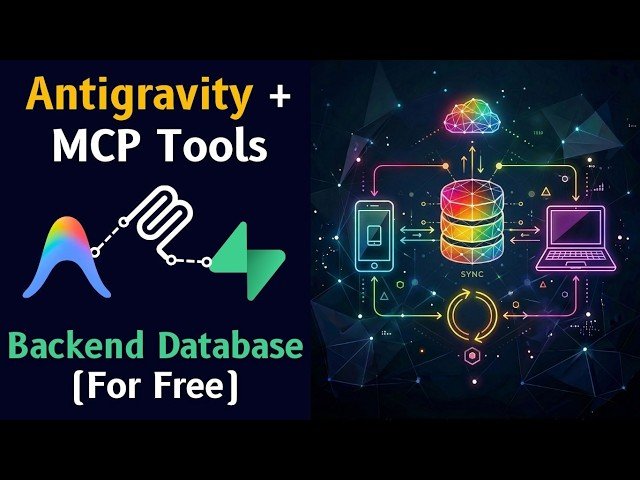
Adds a cloud backend to an RSS reader built with Google Antigravity to enable cross-device sync using Supabase and MCP.
– Configure Supabase: create project, generate access token, and enable row-level security.
– Install MCP in Antigravity: use the one-click Supabase connector or add manual raw config for extra tools.
– Integrate TestSprite for automated testing and CI validation.
– Migrate local SQLite/Zustand state to Supabase to sync feeds, favorites, and read/unread status.
Quotes:
That’s not a bug — that’s what happens when an app doesn’t have a backend database.
MCP is a universal translator for Agentic AI.
No cloud, no sync, no backup.
Statistics
| Upload date: | 2026-03-07 |
|---|---|
| Likes: | 68 |
| Comments: | 6 |
| Statistics updated: | 2026-03-08 |
Specification: Easily Build A Database In Google Antigravity ☁️ MCP + Supabase Tutorial
|

Easily Build A Database In Google Antigravity ☁️ MCP + Supabase Tutorial