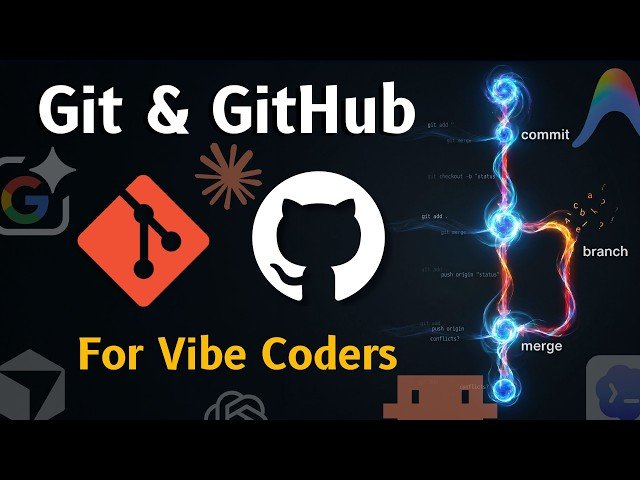
This video explains how Git and GitHub act as a safety net when coding with AI, covering repository creation, commits, branching, and syncing across tools.
– Difference: Git is local version control; GitHub is the cloud host that enables collaboration and backups.
– Workflow: Commit per task, use branches to experiment safely, and push/pull between environments.
– Demo: Create a repo in Google AI Studio, push to GitHub, and clone into an IDE.
Quotes:
Version control is your best friend when learning to code with AI.
You’re basically just one bad prompt away from breaking everything.
It’s like adding a label to your save point in a video game.
Statistics
| Upload date: | 2026-03-21 |
|---|---|
| Likes: | 319 |
| Comments: | 50 |
| Statistics updated: | 2026-04-17 |
Specification: Git & GitHub With AI Why Every Vibe Coding Tool Has This Feature + Tips
|

Git & GitHub With AI Why Every Vibe Coding Tool Has This Feature + Tips