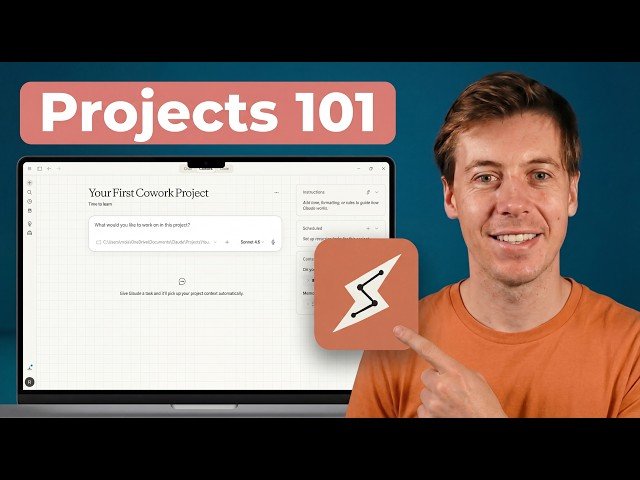
Video overview: Demonstrates Claude Desktop’s new Projects feature: creating project workspaces with persistent memory, custom instructions, files, and scheduled tasks. Walkthrough covers setup, memory entries, schedule creation, and folder integration, plus UI quirks and troubleshooting tips.
– Step-by-step: create project, add instructions, drag files, choose folder location.
– Schedule tasks: set frequency, model, and note computer must be on.
– Memory & workflow: save context, edit instructions, and differences vs selecting a regular folder.
Quotes:
Every time you open Claude, you start from zero.
Projects give Claude a dedicated workspace with persistent memory, custom instructions, and scheduled tasks.
Your computer has to be on. If your computer is off at 10:00 a.m., it’s not going to do this.
Statistics
| Upload date: | 2026-03-22 |
|---|---|
| Likes: | 22 |
| Comments: | 7 |
| Statistics updated: | 2026-03-23 |
Specification: How to Use Claude Cowork Projects (Step-by-Step Tutorial)
|