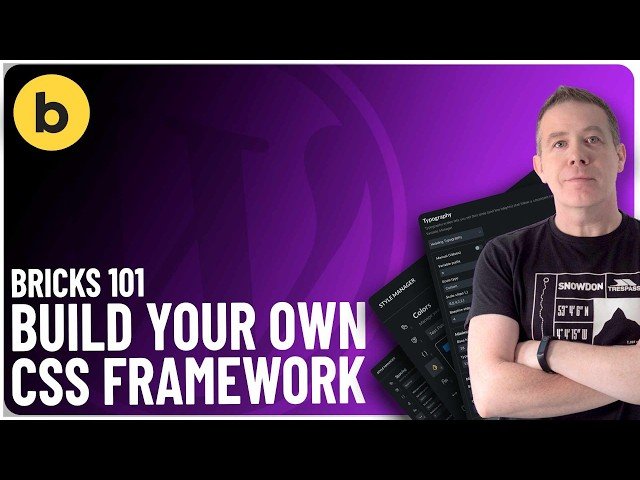
Step-by-step guide to building a starter CSS framework in Bricks Builder 2.2, covering colors, typography, spacing, variables, and mapping into theme styles.
– Create and clean a color palette; add primary/secondary and neutral shades with harmonies.
– Generate fluid typographic scales for headings and body using custom and t-shirt scales.
– Produce spacing scales and optional utility classes for padding/margins.
– Map variables into the theme style so changes update site-wide.
Quotes:
Two or three colors are usually more than enough.
Typography now uses clamp and calc for smooth, fluid scaling.
If you’re not enjoying it, hit the thumbs down button twice — that seems to work pretty well, too.
Statistics
| Upload date: | 2026-03-03 |
|---|---|
| Likes: | 165 |
| Comments: | 30 |
| Statistics updated: | 2026-03-24 |
Specification: Build Your First Starter CSS Framework in Bricks Builder 2.2 (Step-by-Step)
|

Build Your First Starter CSS Framework in Bricks Builder 2.2 (Step-by-Step)