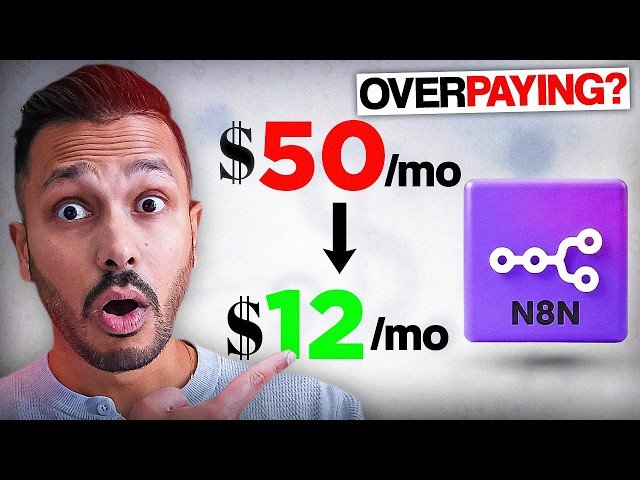
Step-by-step guide showing how to self-host n8n on an affordable VPS to avoid cloud execution limits and reduce costs. The creator walks through Bluehost setup, reimaging a VPS with n8n, activating a free license, importing workflows, and highlights advantages like unlimited executions, data control, and available templates. The video also notes basic maintenance and security responsibilities for self-hosting.
- Setup & cost: Recommended Bluehost tier, unmetered VPS, sign-up, reimage to n8n, and initial setup in about 10 minutes.
- Licensing & activation: n8n is open-source; obtain a free forever license key and create an admin account.
- Workflows & templates: Import automations, leverage 8,000+ community templates, and run examples like a fully automated social-media pipeline.
- Benefits & responsibilities: No execution limits and greater data control at lower cost, while requiring occasional updates, backups, and basic security practices.
Quotes:
I didn’t realize I could run the exact same thing myself for about $12.
n8n is actually free software.
I like to think of it like connecting digital Lego.
Statistics
| Upload date: | 2026-03-13 |
|---|---|
| Likes: | 13 |
| Comments: | 3 |
| Statistics updated: | 2026-03-24 |
Specification: How to Self Host n8n and Stop Paying $50/mo
|