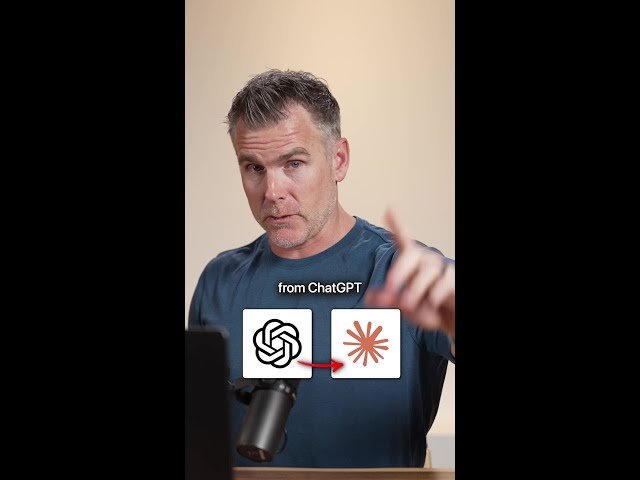
A short tutorial showing how to transfer a custom ChatGPT system prompt into Claude to replicate personal context, communication style, and project settings.
– Step-by-step: load ChatGPT, run a comprehensive prompt to generate a system instruction, then copy it.
– In Claude: paste the system prompt into your profile, save, and the assistant will adopt your personal context.
– Demonstration: asking ‘who am I’ returns a concise profile (e.g., Dan Martell, CEO), confirming the transfer.
– Tip: reuse this method to migrate prompts between any AI platforms.
Quotes:
Switch from ChatGPT to Claude in three easy steps.
Comment ‘switch’ below and I’ll send it over so you can copy and paste.
Ask ‘who am I’ — it’ll say you’re Dan Martell, CEO of Martell Ventures.
Statistics
| Upload date: | 2026-03-09 |
|---|---|
| Likes: | 5413 |
| Comments: | 3292 |
| Statistics updated: | 2026-03-31 |
Specification: Stop using ChatGPT
|