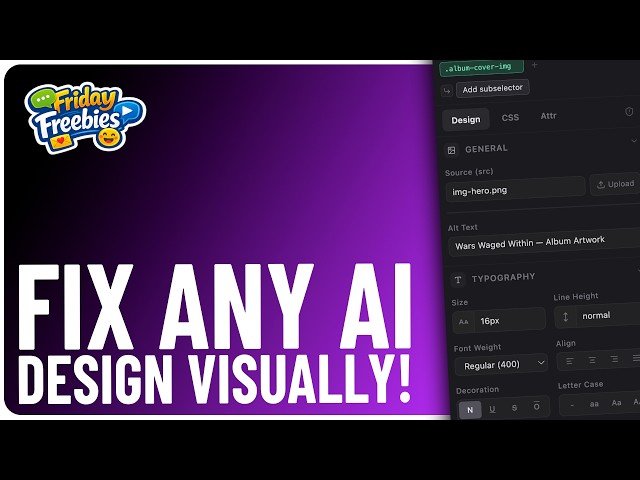
A walkthrough of Greenlight’s free VS Code visual editor for web designers. The video demonstrates installation, opening HTML/MD/Astro files, and using visual panels for editing images, CSS, variables, classes, animations, and design systems. It shows practical hybrid workflows—start with AI-generated code then refine visually—saving token costs and easing visual design tasks inside VS Code.
– Install & access: Download the free VSIX extension, install it in VS Code, then open HTML/MD/Astro files via right-click or the Greenlight icon to launch the visual editor.
– Visual editing features: Inspect elements with a right panel for Design/CSS/Attributes; create and apply variables (tokens), classes, radius values, and keyframe animations; import or build a design system.
– Hybrid workflow & benefits: Use AI (e.g., Claude) to generate initial code, then visually refine within Greenlight to avoid heavy token prompting, speed up edits, and maintain class/variable-driven consistency.
Quotes:
If you’re not enjoying it, hit the thumbs down button twice, as that works pretty well, too.
It burns through your tokens super quickly and it costs you an awful lot of money.
Use AI to get things started, then visually customize the designs inside VS Code.
Statistics
| Upload date: | 2026-03-27 |
|---|---|
| Likes: | 430 |
| Comments: | 22 |
| Statistics updated: | 2026-04-26 |
Specification: Fix ANY AI Website Visually in VS Code (This FREE Tool Changes Everything)
|