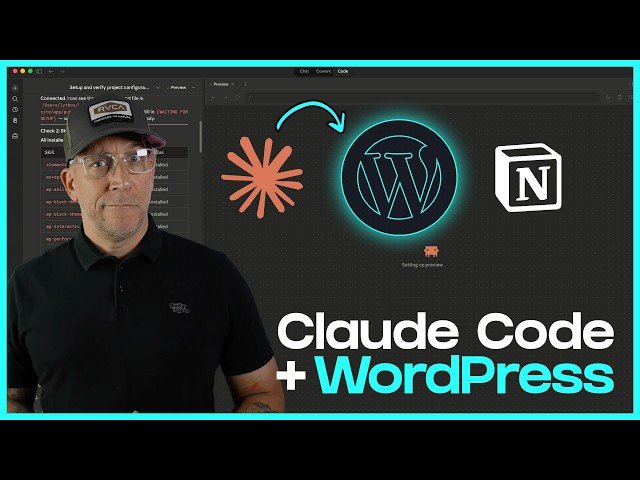
Step-by-step guide to integrating Claude Code with a WordPress site: create and place a Claude .md file, install WordPress-specific skills, configure an MCP (Nova Mira), and connect Notion to track tasks. Shows terminal/Local by Flywheel setup, testing within the Claude Code app, running site audits, and automating fixes like Elementor-safe edits and button/link updates.
– Setup: Create a Claude .md file and place it in your site’s public folder ( Local by Flywheel recommended for a disposable test environment); back up before experimenting.
– Skills & MCP: Download official WordPress agent skills into a .claud/skills folder and install the Nova Mira MCP via terminal with an application password to enable Claude Code actions.
– Testing & Notion: Use the Claude Code app to load the MD file, list skills, confirm MCP connectivity, then connect a Notion MCP so audits and generated tasks sync to a Notion database.
– Workflow: Run site audits (broken links, filler content, button text), instruct Claude to make Elementor-safe edits, update content and links, and mark tasks complete in Notion while iterating on results.
Quotes:
Turn Claude Code into a junior developer helping out on your website.
I would start off by using a site that you could throw away.
It actually worked like a real developer — it created prioritized tasks and updated Notion.
Statistics
| Upload date: | 2026-03-24 |
|---|---|
| Likes: | 1409 |
| Comments: | 79 |
| Fan Rate: | 3.30% |
| Statistics updated: | 2026-04-23 |
Specification: Start Using Claude Code In WordPress (The Easy Way)
|