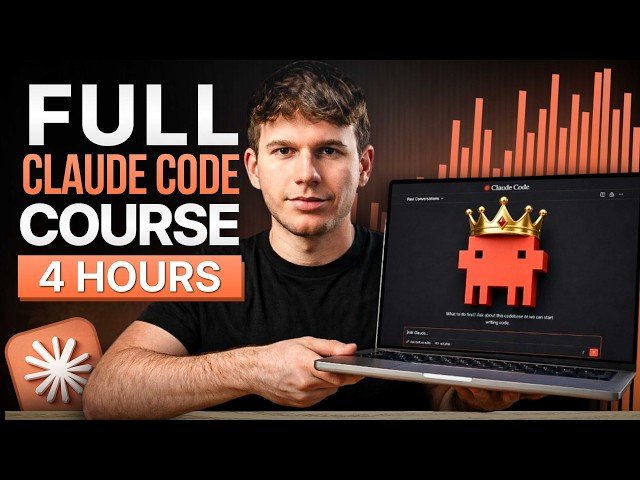
Description: This masterclass walks through Claude Code from beginner setup to deploying agentic workflows. It covers installation, project directory structure, IDE choices (VS Code, Antigravity, Cursor), subscription tiers and cost recommendations, permission modes (plan, ask, bypass), prompt engineering, custom skills and hooks, and full-build demonstrations showing how to run automated systems 24/7.
– Module roadmap: Five structured modules: foundations (install & project setup), customization (skills, slash-commands, hooks, MCP), prompt engineering, agentic workflows (sub-agents, teams, deployment), and hands-on builds.
– Pricing & usage: Explains Claude subscription tiers (Free, Pro, Max), message limits and cost trade-offs; recommends Pro for most beginners and Max for heavy daily automation.
– IDEs & hosting: Compares VS Code, Cursor, Google Antigravity, terminal and Claude desktop; demonstrates installing the Claude Code extension and managing project folders.
– Permissions & workflow examples: Walks through permission modes (plan mode, ask-before-edits, bypass permissions), shows file creation examples, safety considerations, and when to use each mode.
Quotes:
No fluff, no jumping around, just a clear, practical road map that takes you from zero to building real systems.
Bear in mind: we’re not paying Clock Code — we’re paying Claude.
Bypass permissions: recommended only for sandboxes with no internet access.
Statistics
| Upload date: | 2026-04-21 |
|---|---|
| Likes: | 363 |
| Comments: | 17 |
| Statistics updated: | 2026-04-26 |
Specification: CLAUDE CODE MASTERCLASS 4 HOURS: Build & Sell (2026)
|