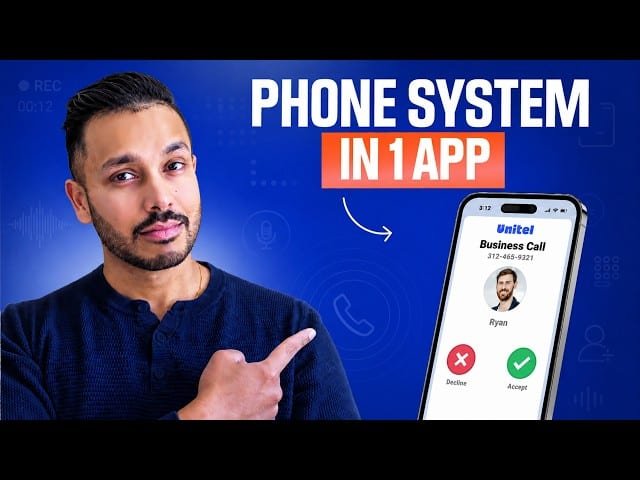
This walkthrough explains how to convert a personal smartphone into a professional business phone system using Unitel Voice. It covers acquiring a dedicated local or toll-free number, choosing a plan, installing the mobile app, creating extensions and departments, setting call routing and greetings, and using voicemail and team features to separate business and personal calls.
– Number options: Port an existing number or choose local, toll-free, vanity, or instant numbers to match your business presence.
– Plans & setup: Pick startup, unlimited, or office plans based on minutes and users; install the mobile app rather than simple call forwarding for better separation and features.
– Routing & extensions: Create extensions and departments (operator, sales, support, billing), assign users, configure simultaneous/shuffle/in-order ringing, and forward voicemails to email.
– Greetings & support: Record or upload custom greetings, use free AI or paid human voice options, and take advantage of US-based setup calls for fast configuration.
Quotes:
Turn the phone you already have into a professional business phone system.
When your business runs through your personal cell number, everything gets mixed together.
Whoever picks up first actually gets the call.
Statistics
| Upload date: | 2026-06-23 |
|---|---|
| Likes: | 8 |
| Comments: | 1 |
| Statistics updated: | 2026-06-30 |
Specification: Best Phone System for Small Business & Solopreneurs: Set Up in Minutes
|