A practical walkthrough showing how the creator uses ChatGPT’s Astra/Codeex agents to automate content creation, app control, and workflow orchestration on a dedicated Mac Mini. Covers subscription choices, cost/usage trade-offs, desktop and remote setup, and the three C’s (context, connections, capabilities) to build persistent agent memory and reliable integrations for scalable autonomous workflows.
– Setup & tiers: Step-by-step desktop app installation, picking a subscription vs API, and why Codeex is recommended for computer-driven tasks.
– Three C’s: How to provide context (computer history), connections (plugins, Gmail, Drive, Slack), and capabilities (computer use, locked use) so the agent behaves like a long-term teammate.
– Workflow & cost: Real comparisons of usage, limits, and practical trade-offs between Claude and ChatGPT plans; focus on finished work per dollar.
– Operational tips: Running a dedicated Mac Mini or cloud machine, enabling permissions, and making agents work 24/7 while preserving updated memory and temporal reasoning.
Quotes:
GPT6 Astro just changed how I work forever because this Mac Mini sitting on my desk right now is running a team of Astro agents.
Astra, when used correctly, can be better than humans.
Memory is what lets the agent stop acting like a new intern every time you open another chat.
Statistics
| Upload date: | 2026-09-18 |
|---|---|
| Likes: | 22 |
| Comments: | 4 |
| Statistics updated: | 2026-09-18 |
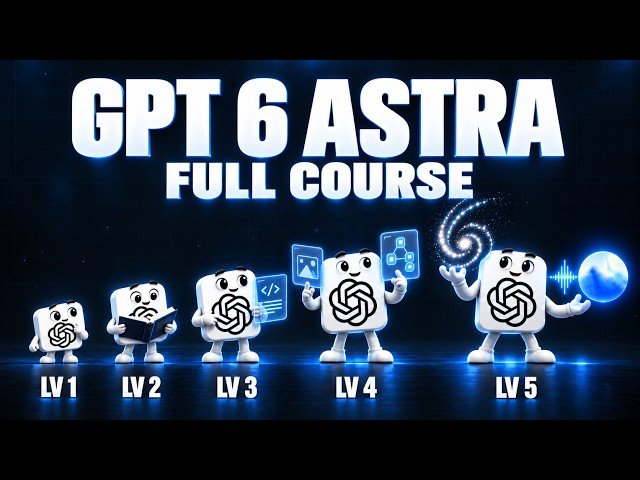
Specification: The Ultimate Beginners Guide to GPT 6 Astra (FULL COURSE)
|