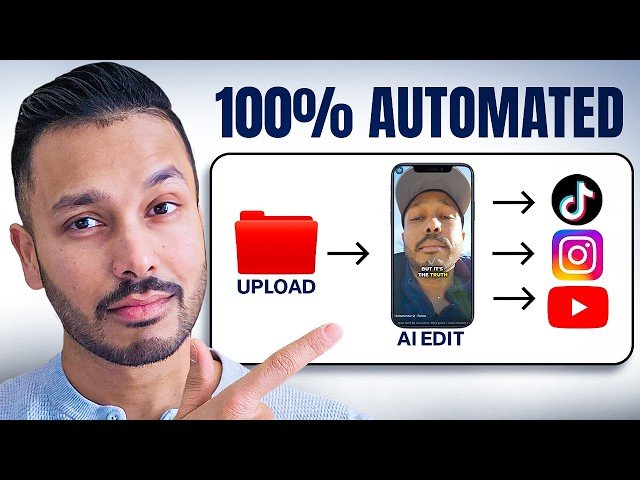
This tutorial shows how to automate video editing and posting so raw clips become social posts with minimal effort. It uses Make.com, Dropbox, Submagic, and OpenAI to import a blueprint, configure API keys, auto-edit footage, generate captions, and publish to social platforms for consistent output.
- Trigger & storage: Drop a raw clip into a designated Dropbox folder to start the workflow automatically.
- Automated editing: Submagic handles cuts, captions, magic zooms, B-roll, silence removal and bad-take pruning.
- Caption generation: ChatGPT (OpenAI API) transcribes and crafts captions and hashtags from the rendered video.
- Publishing & scheduling: Make.com posts to Instagram and Facebook (or other platforms) and can run on a repeat interval for continuous publishing.
Quotes:
Drop your raw content into a folder and five minutes later it’s edited and posted to all your socials automatically.
Consistency beats perfection every time.
This setup gets you 80 to 90% of the result with about 1% of the effort and cost.
Statistics
| Upload date: | 2025-11-27 |
|---|---|
| Likes: | 34 |
| Comments: | 5 |
| Statistics updated: | 2025-12-14 |
Specification: This AI Video Editing App Edits and Posts Automatically (Free Template)
|

This AI Video Editing App Edits and Posts Automatically (Free Template)