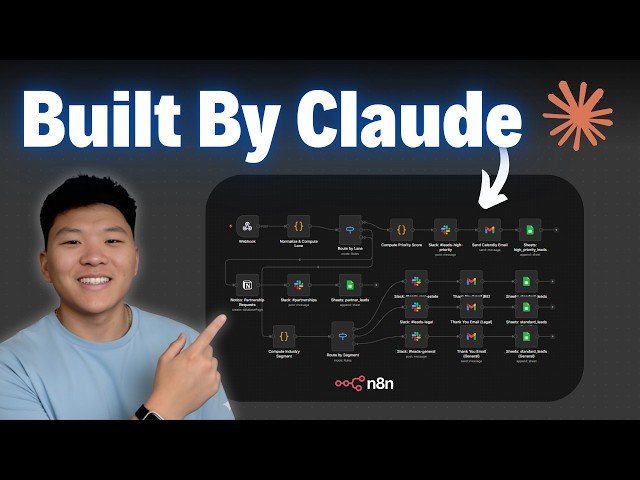
This tutorial demonstrates building Naden workflows with Claude Code inside VS Code: installing the Cloud Code extension, creating a project-specific claude.md system prompt, and integrating an Naden MCP server plus Naden skills from GitHub. The host walks through connecting instance credentials, testing node searches, deploying a scheduled research-to-newsletter workflow, and notes practical limits like API throttling.
– Setup: install VS Code, add Cloud Code extension, open a project and create claude.md as the system prompt.
– Tooling: connect the Naden MCP server and clone Naden skills (node definitions, templates, validation, expression syntax).
– Example workflow: schedule a 7:00 AM research agent (OpenRouter/ChatGPT models) and an HTML newsletter writer (Anthropic Sonnet) that sends via Gmail.
– Best practices: use plan mode to iterate prompts, authorize credentials carefully, and expect limits (throttling, server errors).
Quotes:
I just brain dumped a manual process into chatbt and it spit this out for me.
When it runs into issues, it literally figures out why it went wrong and then it fixes it.
All that matters is can you communicate clearly what you want as if you were talking to a human developer.
Statistics
| Upload date: | 2026-01-15 |
|---|---|
| Likes: | 3431 |
| Comments: | 215 |
| Statistics updated: | 2026-02-12 |
Specification: Claude Code is Better at n8n than I am (Beginner’s Guide)
|