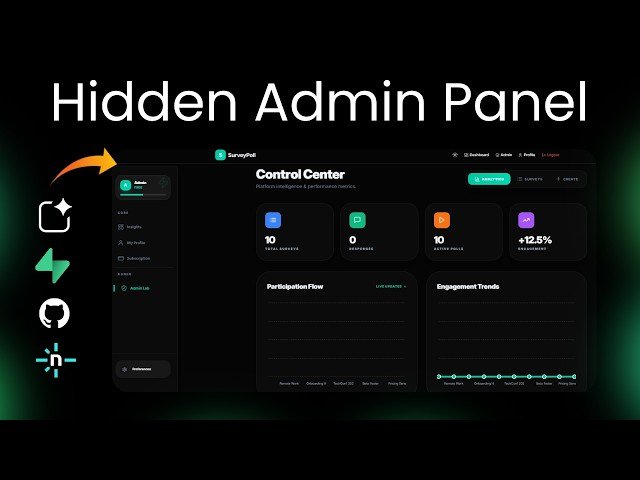
Step-by-step tutorial building a no-code survey web app using Google AI Studio and Supabase. Covers creating user and hidden admin dashboards, role-based access, UI refinements (glassmorphism, dark/light themes), backend integration, database schema setup, dummy data, GitHub repo creation, and Netlify deployment. Demonstrates iterative prompting, debugging, and live testing without writing code.
– Scope: Build a full survey app with separate user and hidden admin experiences, survey management, responses, and basic analytics.
– Design & UX: Iterative prompts refine glassmorphism styling, typography, dark/light themes, animations, and accessible feedback.
– Backend & Data: Integrate Supabase, run generated SQL to create schema and roles, seed dummy surveys for testing.
– Deployment & Workflow: Push project to GitHub and deploy on Netlify; use prompt-driven debugging to fix live deployment issues.
Quotes:
No code, just clear instructions.
Try admin access. Use admin@example.com.
You build, you test, you fix — step by step.
Statistics
| Upload date: | 2026-01-27 |
|---|---|
| Likes: | 237 |
| Comments: | 45 |
| Fan Rate: | 5.20% |
| Statistics updated: | 2026-02-17 |
Specification: Build & Deploy Web App with Hidden Admin Panel (No Code) | Google AI Studio + Supabase + Netlify
|