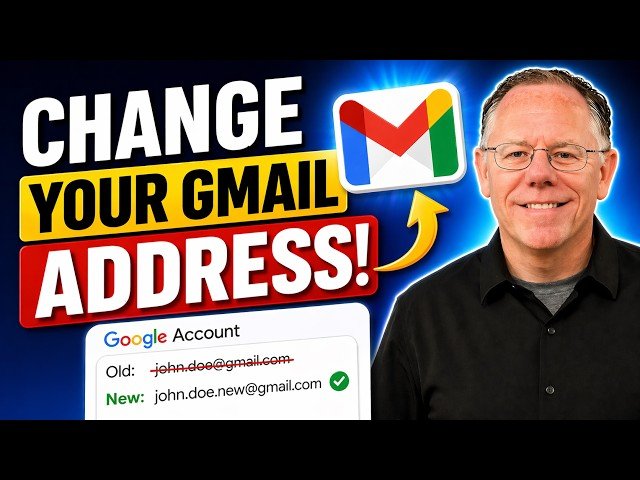
This video demonstrates Gmail’s new feature that allows users to change their @gmail.com address on personal Google accounts. It explains where to find the option in Google Account settings, eligibility requirements, and how changing an address preserves the original as an alternate email so linked services continue to work. The presenter shows the step-by-step process, notes rollout timing and Workspace limitations, and summarizes frequency limits (one new address per 12 months) and practical implications for sign-ins and message delivery.
– Where to find it: Navigate to Google Account > Personal info > Email and look for the “Change Google account email” option (only on eligible personal @gmail.com accounts).
– Eligibility and limits: Feature is rolling out gradually as of mid-April 2026, not available for Workspace-managed accounts, and you can change to a new address only once every 12 months.
– What happens to the old address: Your original address is preserved as an alternate email (so existing third-party sign-ins and password recovery continue to work).
– Practical effects: Both addresses deliver to the same inbox and the new address becomes primary for signing in and future contacts, while the old address remains usable for legacy services.
Quotes:
Most email services don’t let you change your address — until very recently that included Gmail.
If you do change your Gmail address, it does not delete your original address.
Any messages sent to either the new address or the old address will arrive in the same inbox.
Statistics
| Upload date: | 2026-05-05 |
|---|---|
| Likes: | 10477 |
| Comments: | 238 |
| Statistics updated: | 2026-06-01 |
Specification: Change your Gmail Address
|