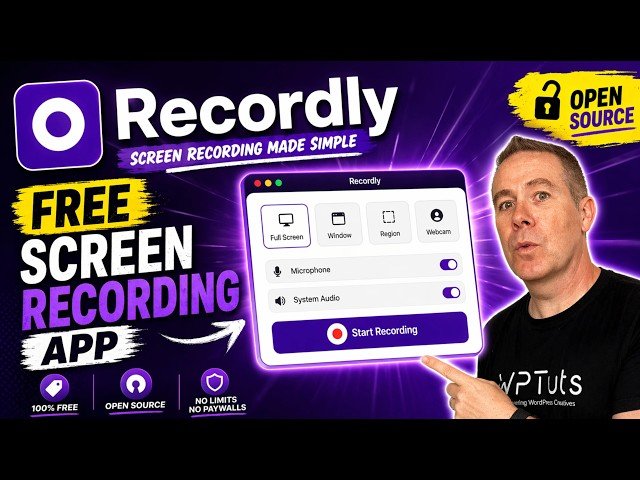
Overview: This video reviews Recordly, a free open-source screen-recording and editing app. The presenter walks through installation on macOS/Windows/Linux, recording options (screen/window, audio, webcam, countdown timer), and the built-in editor with timeline, auto/manual zoom, annotations, backgrounds, cropping, and export settings. He also notes limitations – occasional audio capture issues and mirrored webcam output – and compares Recordly to Screen Studio.
- Installation & platforms: Downloadable builds for macOS (Apple Silicon and Intel), Windows, and Linux with simple setup.
- Recording features: Choose full screen or specific window, select audio and webcam sources, handle multiple displays, and use a pre-recording countdown.
- Editing tools: Timeline editor with auto/manual zooms, suggested zooms from cursor, annotations and layers, background and corner/radius controls, cropping, and MP4/GIF export with configurable encoding options.
- Limitations & summary: A capable, no-cost open-source alternative to paid tools; practical for many workflows but currently has quirks (intermittent audio capture and mirrored webcam output).
Quotes:
a free open-source alternative to tools like Screen Studio.
start a timer to time you in before you start recording.
it records in a mirror version, so everything is backwards and the opposite way around.
Statistics
| Upload date: | 2026-04-24 |
|---|---|
| Likes: | 368 |
| Comments: | 40 |
| Statistics updated: | 2026-05-14 |
Specification: Free Open Source Screen Recorder That Actually Works: Friday Freebies
|

Free Open Source Screen Recorder That Actually Works: Friday Freebies