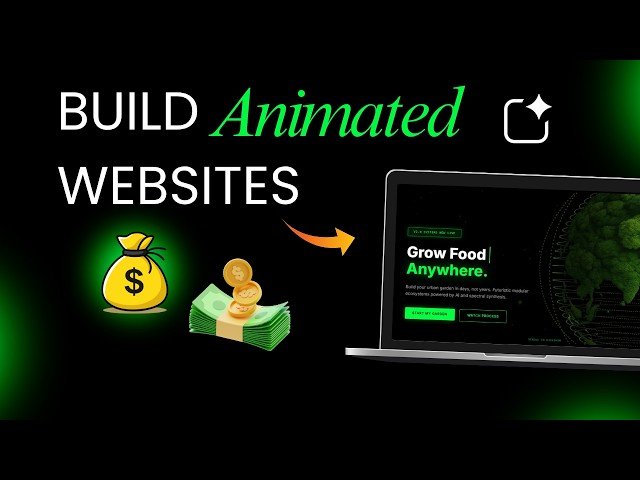
This tutorial demonstrates how to build, iterate, and deploy a fully animated website using AI tools—no manual coding required. It covers prompt-driven design in Google AI Studio, adding royalty-free video backgrounds (hosted as unlisted YouTube videos), iterative refinement by prompt, syncing to GitHub for version control, and deploying live on Netlify. The workflow emphasizes rapid prototyping for portfolios, landing pages, or small businesses.
– Start in Google AI Studio: paste a structured prompt (use ChatGPT, Gemini, or Claude to craft it), generate layouts, and select design variations — this is vibe coding, where prompts act as the blueprint.
– Add a video background: source royalty-free clips (e.g., Pixabay) or your footage, upload as unlisted YouTube to provide a lightweight streamable asset, then paste the URL to update the hero section background.
– Iterate with prompts: refine animations, spacing, typography, and layout through successive prompts; the process feels like collaborating with the AI rather than traditional coding.
– Deploy and version-control: sync the project to GitHub, commit changes, then import the repository into Netlify to build and publish a live site (choose a Netlify subdomain or connect a custom domain).
Quotes:
You’re not coding manually anymore, you’re guiding the system through your prompt.
Upload a background video as unlisted on YouTube — a simple trick to use a streamable asset in your site.
This doesn’t feel like coding anymore; it feels like collaboration with the AI.
Statistics
| Upload date: | 2026-04-21 |
|---|---|
| Likes: | 20 |
| Comments: | 8 |
| Statistics updated: | 2026-04-27 |
Specification: Google AI Studio Built This Animated Website in Minutes (No Code)
|