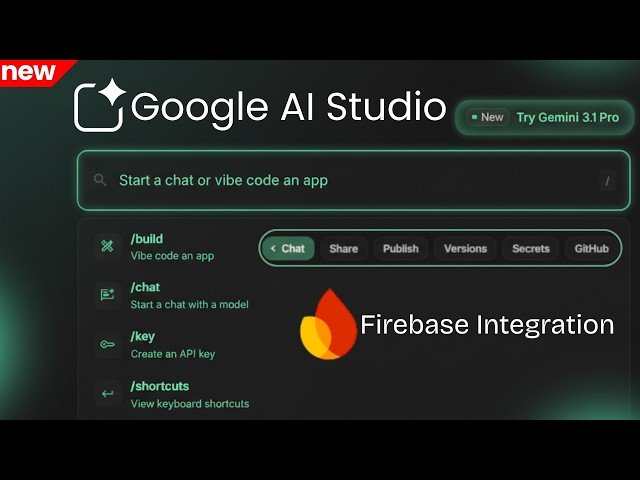
Overview: This video reviews Google AI Studio’s major redesign and its partial Firebase integration. The host demonstrates the revamped homepage, omni-bar, playground changes, and Gemini model options, then builds a simple note-taking app while walking through manual Firebase setup, secure secrets storage, service account keys, authentication, and deployment considerations. It emphasizes improved workflow, security, and the current integration limits.
– UI & workflow: Redesigned homepage and a single omni-bar consolidate actions—create API keys, switch models, generate images, and begin builds from one place.
– Model & grounding: Gemini model selection (including Gemini 3.1 Pro) and Google Search grounding enable cited, real-time answers.
– Firebase integration: Not fully automatic—requires creating a Firebase project, enabling Auth/Firestore, generating a service account key, importing the project, and adding credentials to Secrets.
– Security & deployment: Store credentials as environment variables in Secrets for safety; deploying to Cloud Run enables real-time sync but may require billing for production.
Quotes:
This update changes everything — AI Studio now builds, manages, and deploys apps from one place.
From a single input area you can create an API key, switch models, generate images, or start building an app.
It’s not one-click: generate a service account key and add secrets, but AI Studio makes the transition smoother and more secure.
Statistics
| Upload date: | 2026-02-26 |
|---|---|
| Likes: | 128 |
| Comments: | 14 |
| Fan Rate: | 2.58% |
| Statistics updated: | 2026-03-14 |
Specification: Google AI Studio + Firebase — Is It REALLY Fully Integrated?
|