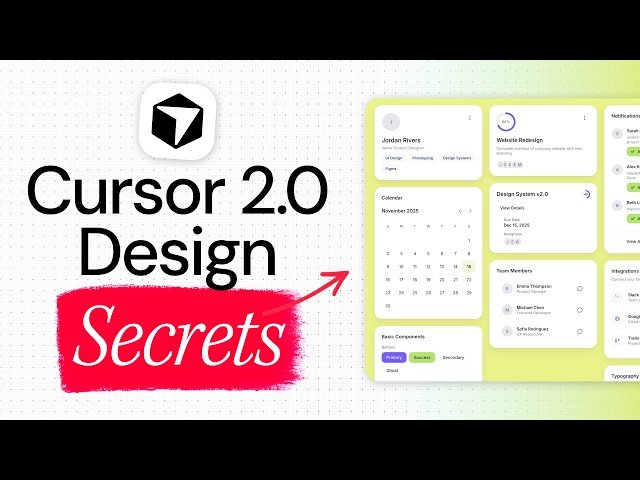
A practical walkthrough to extract a UI design style from a screenshot and convert it into a reusable design system that AI coding tools can follow. Demonstrates creating design.json, building a React+Vite+Tailwind showcase, and producing a comprehensive design-system.json.
– Analyze a design-system screenshot to capture spacing, typography, colors, and principles.
– Generate a structured design.json and use Cursor with GBT5/Claude 4.5 to translate styles into Tailwind.
– Build a component showcase and export a full design-system.json for Bolt/Lovable integration.
Quotes:
Extract the design style from any design system and turn that into a usable framework.
Create a design.json file so AI can replicate the look — structured, not vague.
Design language: soft round white surfaces floating on a citrus canvas.
Statistics
| Upload date: | 2025-11-12 |
|---|---|
| Likes: | 2202 |
| Comments: | 100 |
| Fan Rate: | 6.44% |
| Statistics updated: | 2025-12-12 |
Specification: How to Build ACTUALLY Beautiful Apps in 3 Prompts Using Cursor 2.0
|