Overview
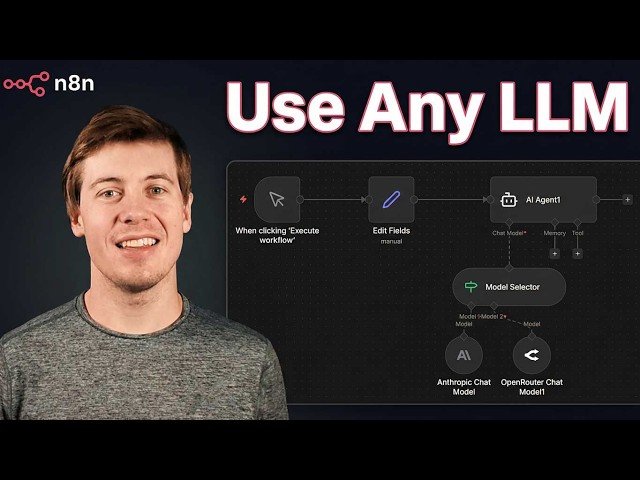
This tutorial demonstrates three strategies to integrate multiple LLMs into AI workflows using OpenRouter and Anyn: centralized access via OpenRouter (single API key to hundreds of models), a model selector that picks models based on input logic, and fallback models to maintain uptime during outages. The video shows hands-on setup, configuration options, and a practical assignment to apply these techniques.
– OpenRouter setup: Create an API key, explore hundreds of models, and configure model parameters from one unified interface.
– Model selector: Route inputs to different models (for example, send SQL queries to Anthropic) using conditional logic inside your AI agent.
– Fallback models: Configure secondary models so workflows continue when a primary provider is down or rate-limited.
– Practical takeaway: Step-by-step demo, a short homework assignment to add selectors/fallbacks, and tips for building more robust, cost-effective AI workflows.
Quotes:
You’re running the same prompt through Claude for every task in your workflow.
One single API key controls all of this.
If that model goes down or hits rate limits, your entire workflow stops.
Statistics
| Upload date: | 2026-02-09 |
|---|---|
| Likes: | 15 |
| Comments: | 2 |
| Statistics updated: | 2026-02-11 |
Specification: How to use 600+ LLMs in n8n (Open Router & Model Selector)
|