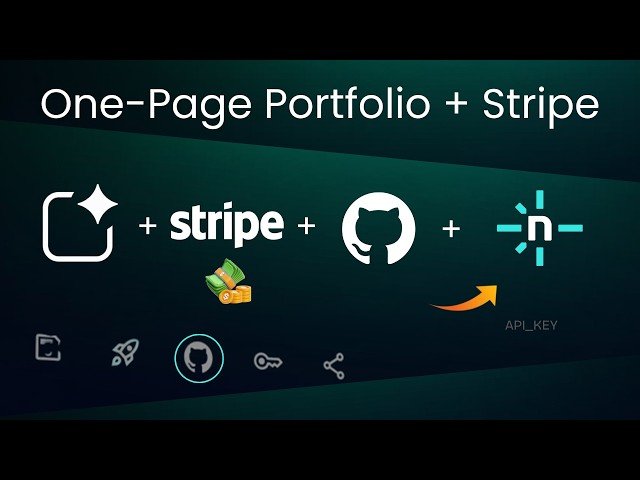
This tutorial demonstrates how to create and deploy a polished one‑page portfolio landing site with Google AI Studio, integrate a Stripe payment link for consultations, and publish the project via GitHub and Netlify. The video walks through AI-generated front-end code (Tailwind CSS), configuring Stripe payment links in test mode, pushing to GitHub, fixing deployment issues, and final live testing—delivering an end-to-end, no-backend payment workflow.
– Google AI Studio: generates a Tailwind-based dark-themed front end, updates on save, and outputs project files ready for deployment.
– Stripe: create and configure a test-mode payment link for one-time services, then replace the placeholder URL in constants.ts.
– GitHub & Netlify: push the project to a repo, import to Netlify, set environment variables (API key), and resolve deployment issues like missing script tags.
– End-to-end testing: preview the live site, perform a Stripe checkout with test card 4242 4242 4242 4242, and confirm successful payment flow.
Quotes:
One page, one offer, one payment link. Done.
It looks like something you’d pay a developer hundreds of dollars to build, but we’re creating it in just a few minutes.
As freelancers, we don’t need fancy dashboards or complicated back-end systems.
Statistics
| Upload date: | 2025-12-09 |
|---|---|
| Likes: | 202 |
| Comments: | 22 |
| Fan Rate: | 6.52% |
| Statistics updated: | 2026-01-08 |
Specification: Landing Page + Stripe Payments (The Easy Way) | Google AI Studio + Stripe + GitHub + Netlify
|