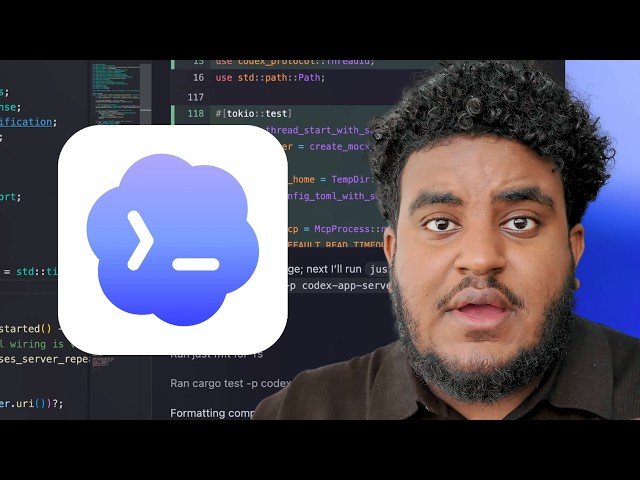
An in-depth walkthrough of getting the most from OpenAI’s Codeex GUI: plugins, the in-app browser, computer-use automation, thread-based multi-agent workflows, model selection, and goal-driven runs. The creator demonstrates practical examples — annotating live apps, automated QA, CLI tasks, speedups to CI/CD, and feedback-loop techniques like /goal and GreLoop. Practical tips focus on integrating only tools in your workflow and creating reliable verification loops.
– Plugins & workflow: Install the computer use plugin and only add plugins tied to your daily tools (GitHub, Vercel, Convex, Linear) to give agents authenticated access without clutter.
– In-app browser & annotations: Use the built-in browser to annotate UI/UX, stack change requests, and let agents test web apps interactively for QA and usability feedback.
– Computer use automation: Codeex agents can control the desktop/CLI to create folders, run tests, scrape data, fill forms, and automate repetitive workflows while you continue working.
– Threads, model selection & goals: Spin up separate threads to compare frameworks or architectures, choose model and effort level by task (e.g., GPT-5.6 Soul with medium/extra-high), and use /goal and GreLoop only when a clear feedback loop and definition of success exist.
Quotes:
If you use anything in dark mode, I judge you.
One line change saved us 40–70% time on our CI/CD pipeline.
There are things you can’t trust AI at — apparently knock‑knock jokes.
Statistics
| Upload date: | 2026-08-14 |
|---|---|
| Likes: | 1209 |
| Comments: | 188 |
| Statistics updated: | 2026-09-12 |
Specification: My Complete Codex Agentic Engineering Workflow
|