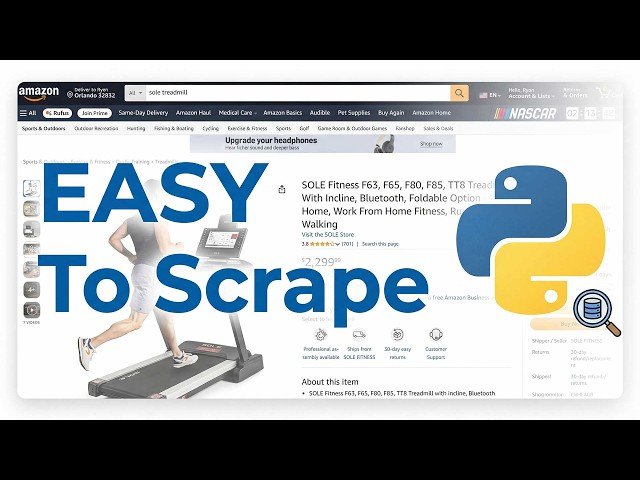
Concise walkthrough of Pummus’ e-commerce price-scraping workflow using Smart Scraper and Universal Search, with examples, prompts and best practices.
- Smart Scraper: provide a URL and a text prompt to extract structured fields (price, SKU, title), with conditional logic and inline transformations.
- Universal Search: supply domain + product identifiers (MPN/SKU) to locate product pages when URLs aren’t known.
- Prompt tips: prefer unique identifiers, request multiple price fields, handle missing fields (returns NA), and format output for integration into automated pipelines.
Quotes:
Provide the URL and a text prompt — get the data back if it exists.
If a field isn’t on the page, the scraper returns ‘NA’ — it won’t hallucinate.
Use unique identifiers (MPN/SKU); names can return the wrong variant.
Statistics
| Upload date: | 2026-02-21 |
|---|---|
| Likes: | 19 |
| Comments: | 1 |
| Statistics updated: | 2026-03-17 |
Specification: Scrape Any Ecommerce Site with Python in Under 20 Minutes
|

Scrape Any Ecommerce Site with Python in Under 20 Minutes