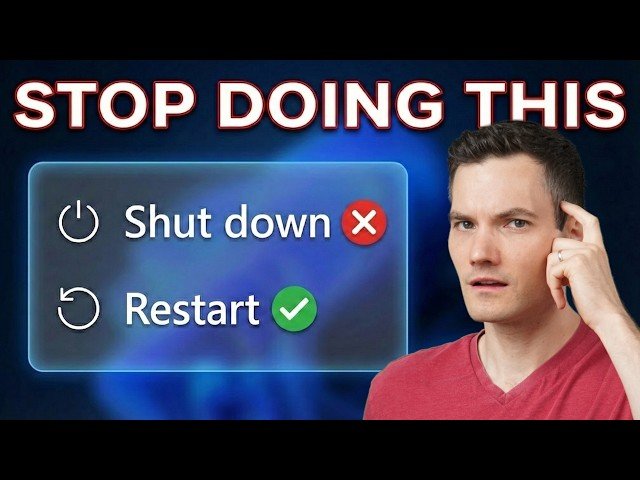
Explains why Windows ‘Shut down’ can preserve problems due to Fast Startup, and why ‘Restart’ performs a full system reload.
– How to confirm uptime in Task Manager and why Fast Startup ‘hibernates’ the Windows kernel.
– When to use Sleep, Shut down, or Restart; includes a one-time full shutdown shortcut (hold Shift while choosing Shut down).
– How to disable Fast Startup through Control Panel > Power Options and a quick restart shortcut via right-click Start.
Quotes:
Shut down isn’t actually a full restart.
Fast Startup hibernates the core of the operating system.
Hold down Shift while you click Shut down to force a complete shutdown.
Statistics
| Upload date: | 2026-02-06 |
|---|---|
| Likes: | 8503 |
| Comments: | 348 |
| Statistics updated: | 2026-03-02 |
Specification: Stop Shutting Down Your PC (Do This Instead)
|