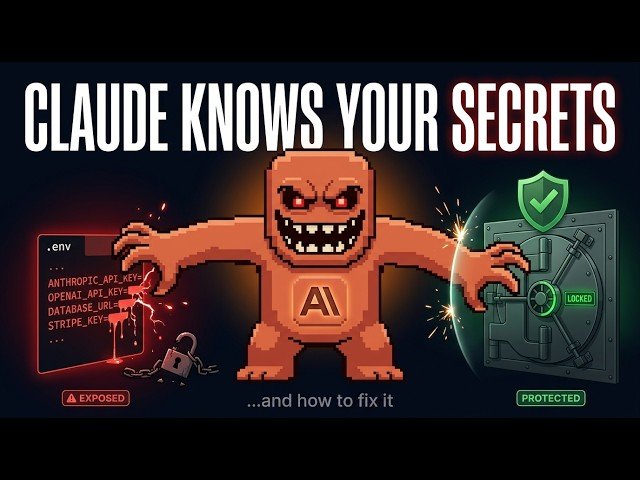
This video explains the risks of AI-assisted coding tools reading local files and exposing secrets. It demonstrates how to use hooks as a pre-execution guard to block access to .env and credential files, prevent dangerous commands, and protect the main Git branch. The presenter walks through folder setup, a Python hook implementation, and practical configuration to keep API keys and credentials safe.
– Threat overview: AI tooling can read project files, send their contents to external servers, and inadvertently leak API keys, passwords, or database URLs — once leaked, secrets must be invalidated.
– Hook concept: Hooks run before tool actions to evaluate rules; they act like a security guard, allowing safe operations and rejecting attempts to access sensitive paths.
– Concrete protections: Block .env/credential/service-account files, forbid dangerous bash commands (copying or exfiltrating data), and prevent automatic merges into the main branch.
– Implementation notes: Place hooks under the .clot/hooks folder, register them in settings, and use a Python script to inspect commands and enforce access patterns; the demo shows blocked access and alternative suggestions.
Quotes:
AI coding tools can access files on your computer — including your passwords and API keys.
Once your secret leaves your computer, you cannot take it back.
Use hooks as a security guard: block unsafe tool actions before they run.
Statistics
| Upload date: | 2026-03-14 |
|---|---|
| Likes: | 9 |
| Statistics updated: | 2026-03-16 |
Specification: Your API Keys Are Exposed in Claude Code — Fix This Now
|